Automated trading journal & analytics
Your winning trades
have a pattern.
Find it.
Auto-sync every trade from your broker and see exactly what separates your winners from your losers.


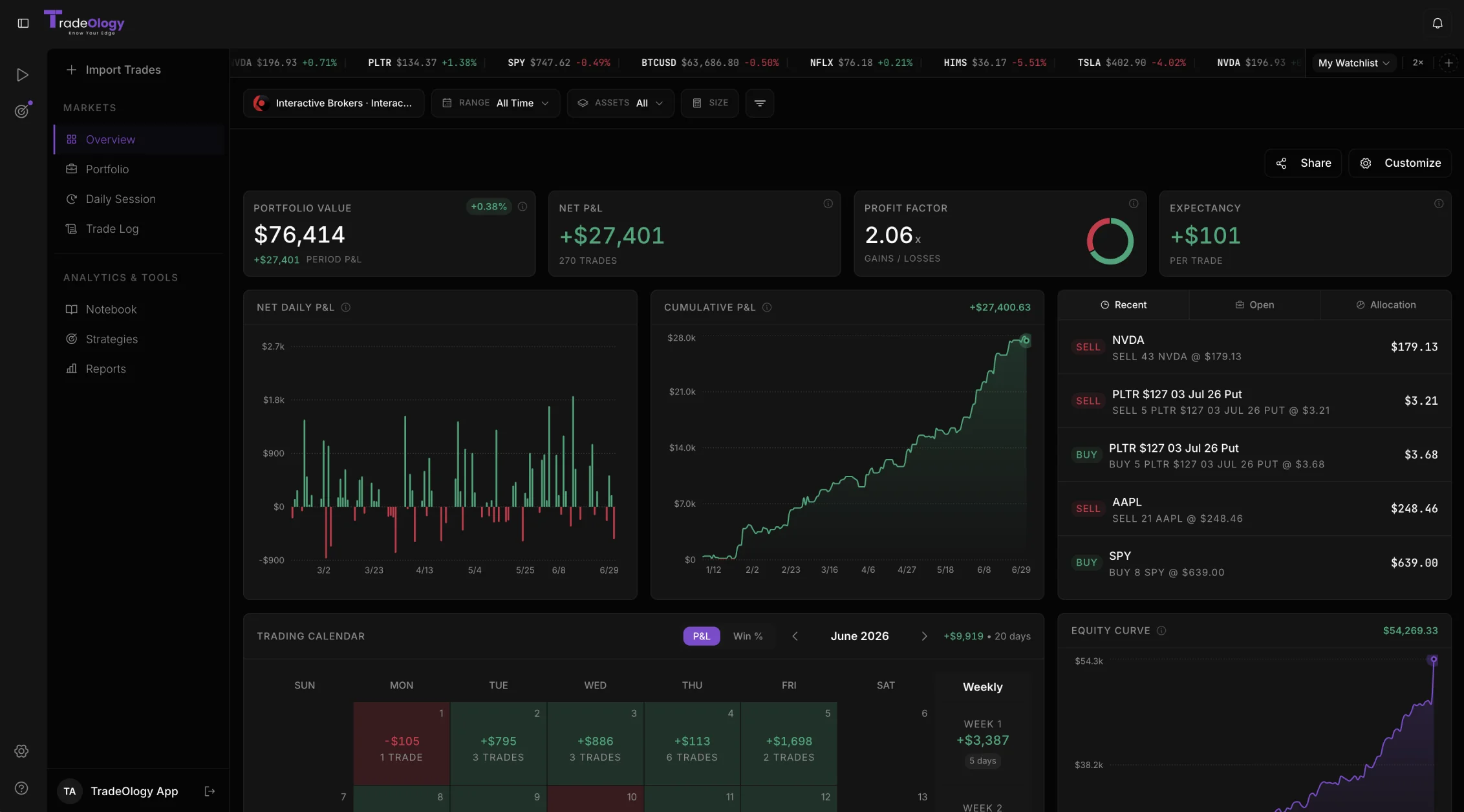
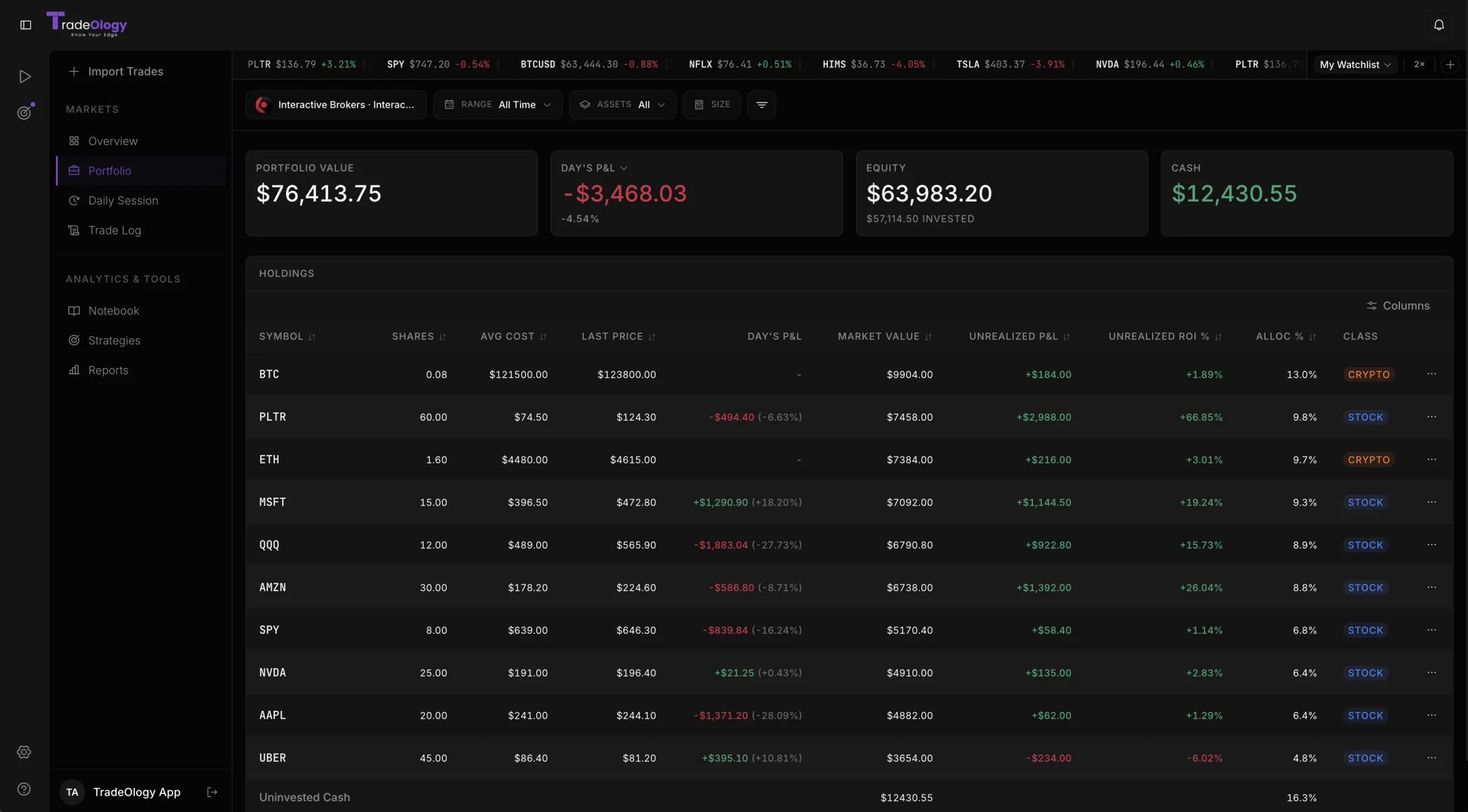
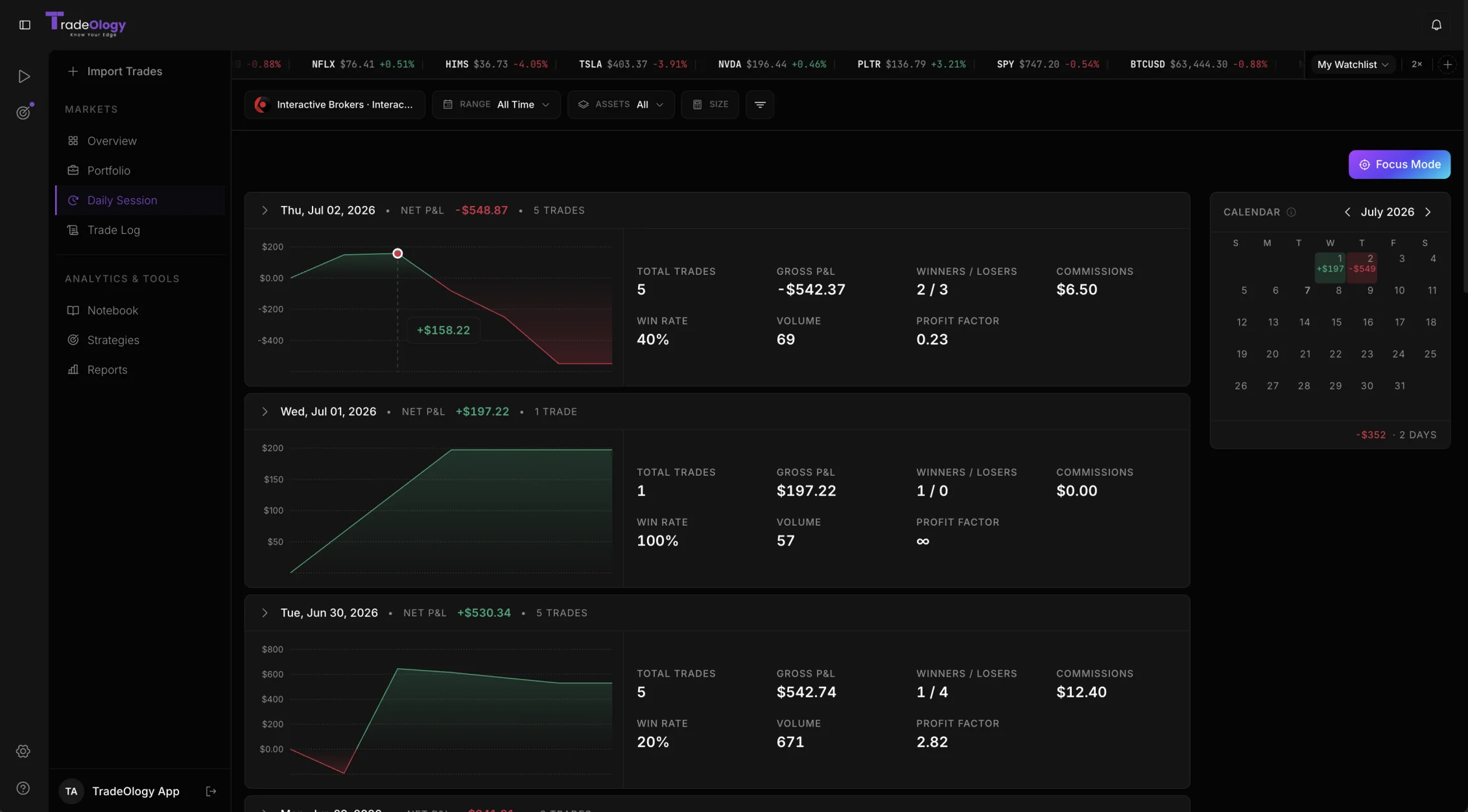
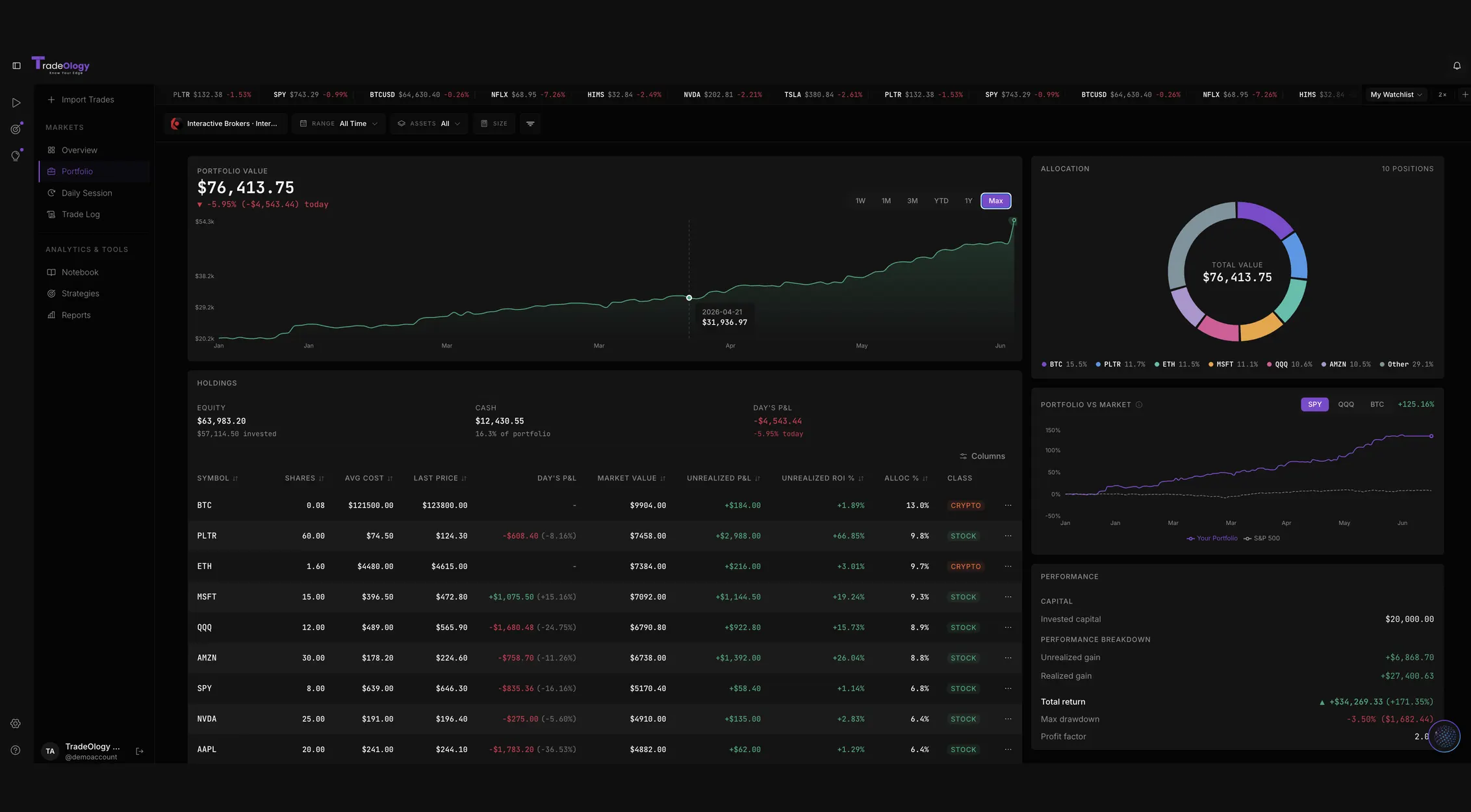
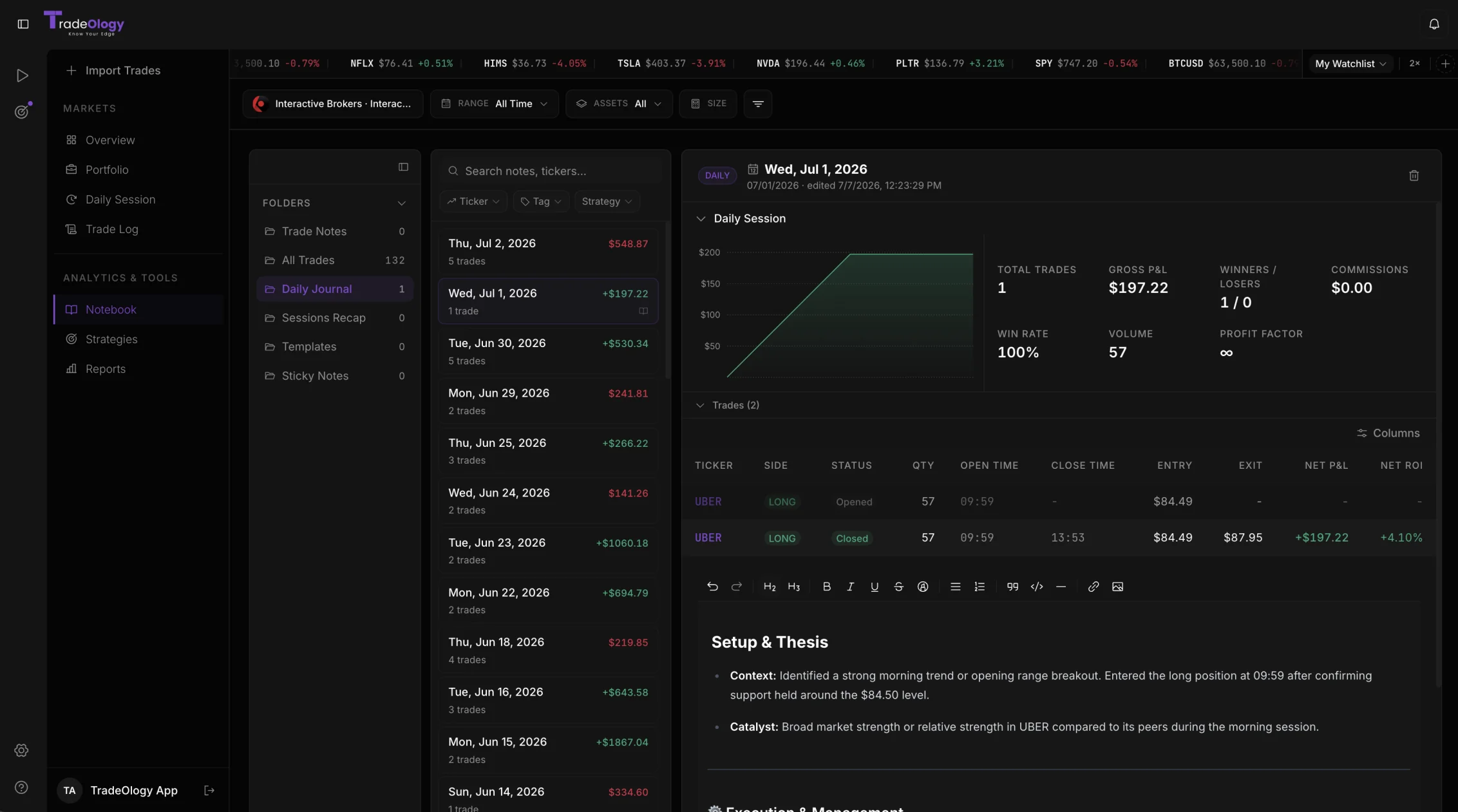
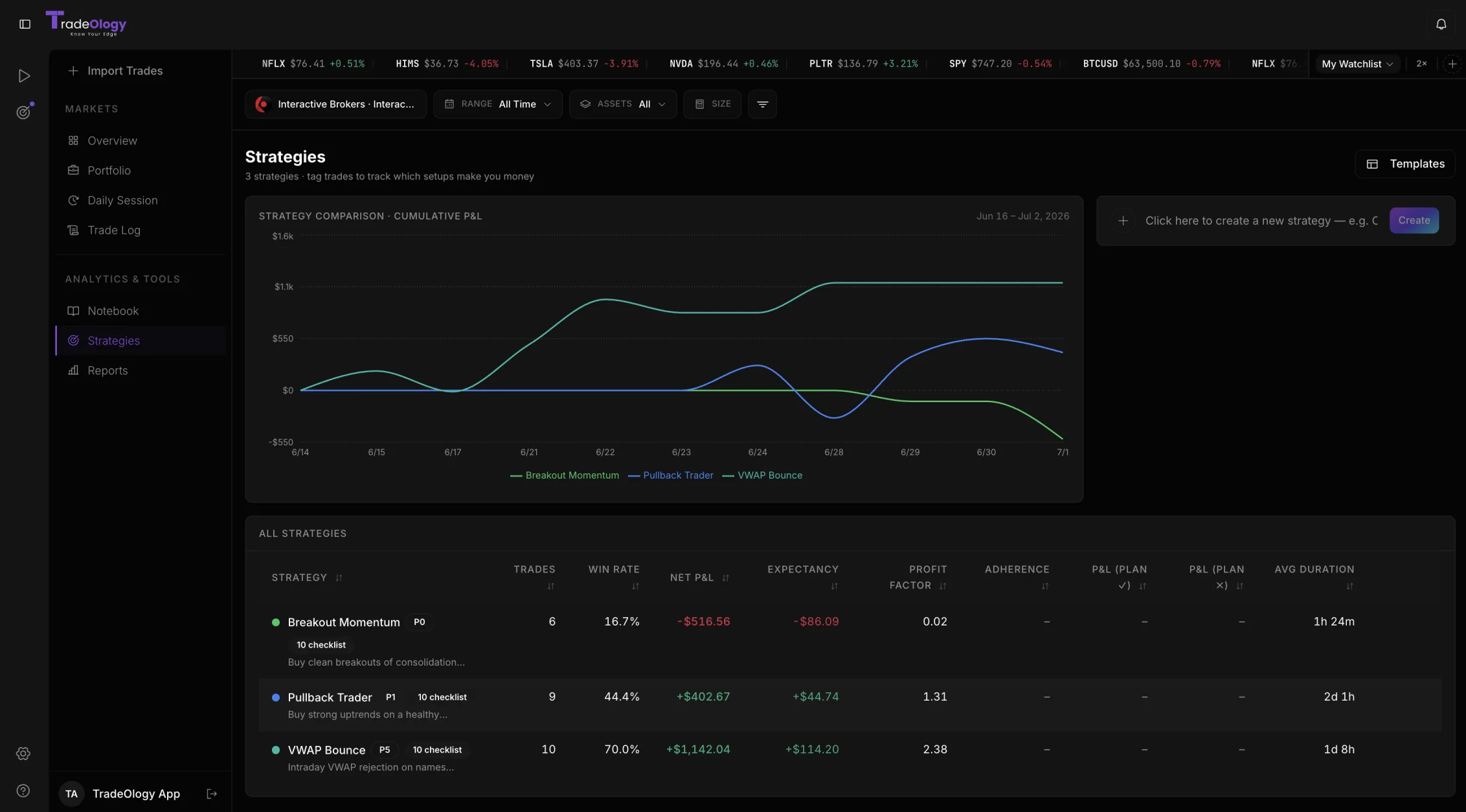
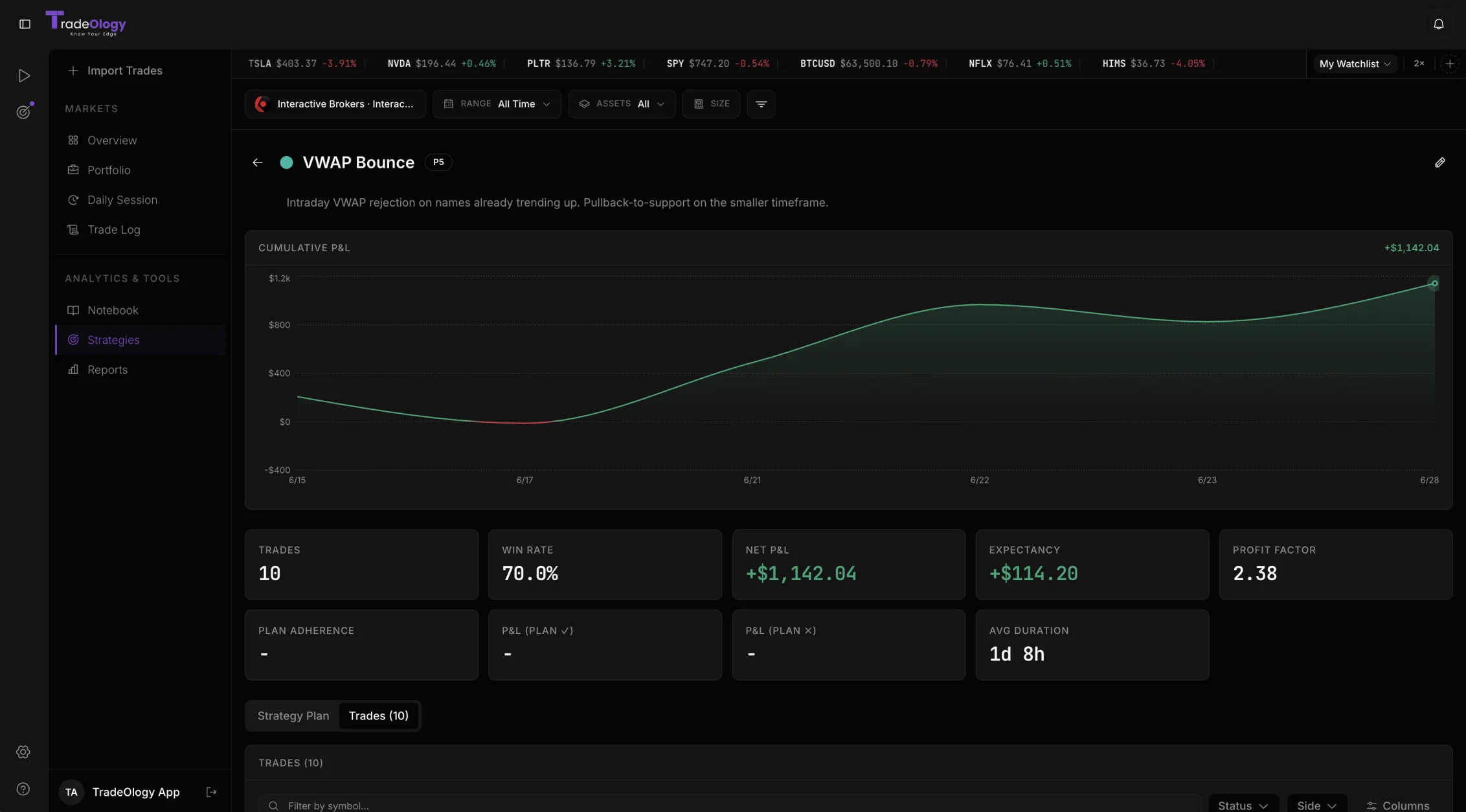
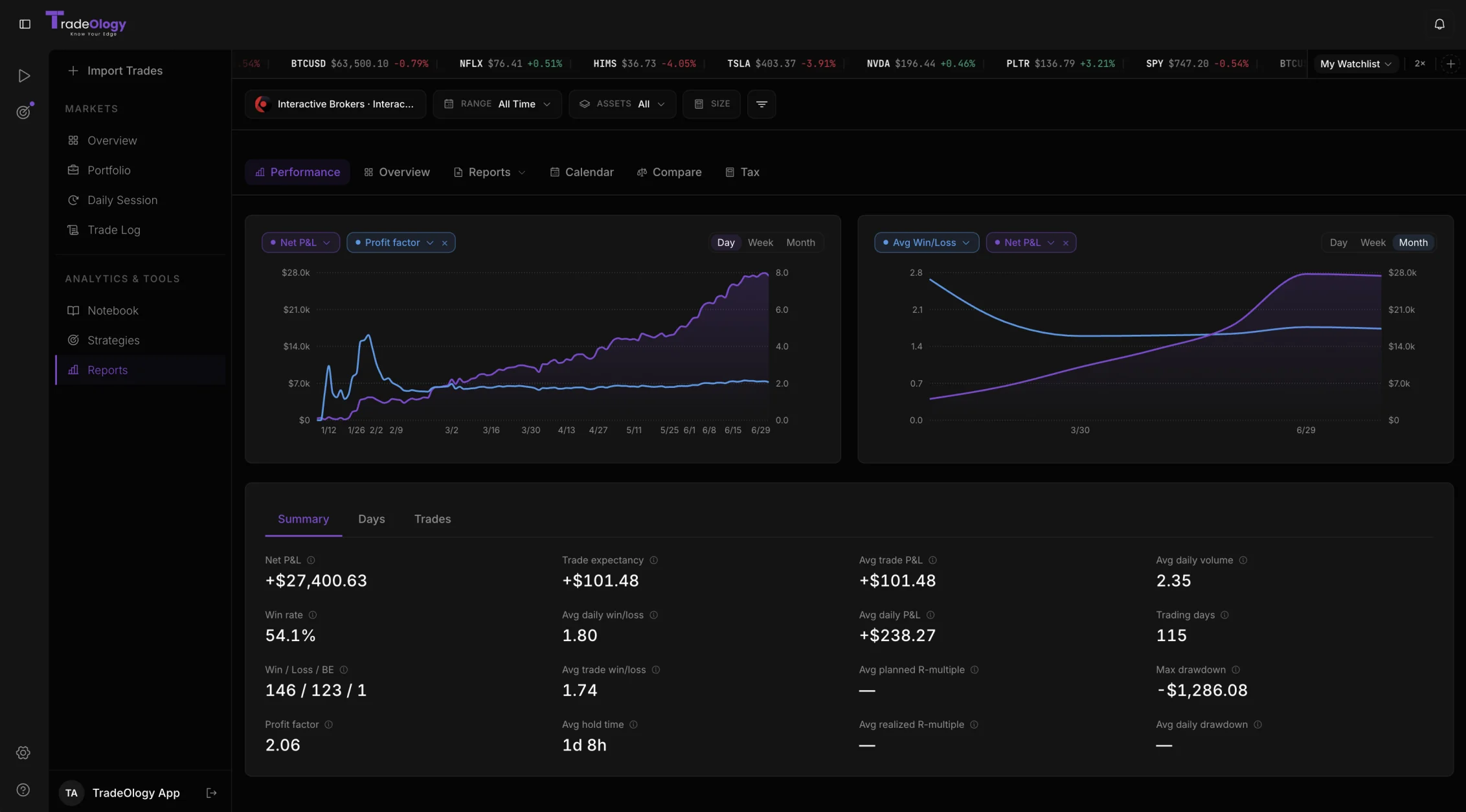
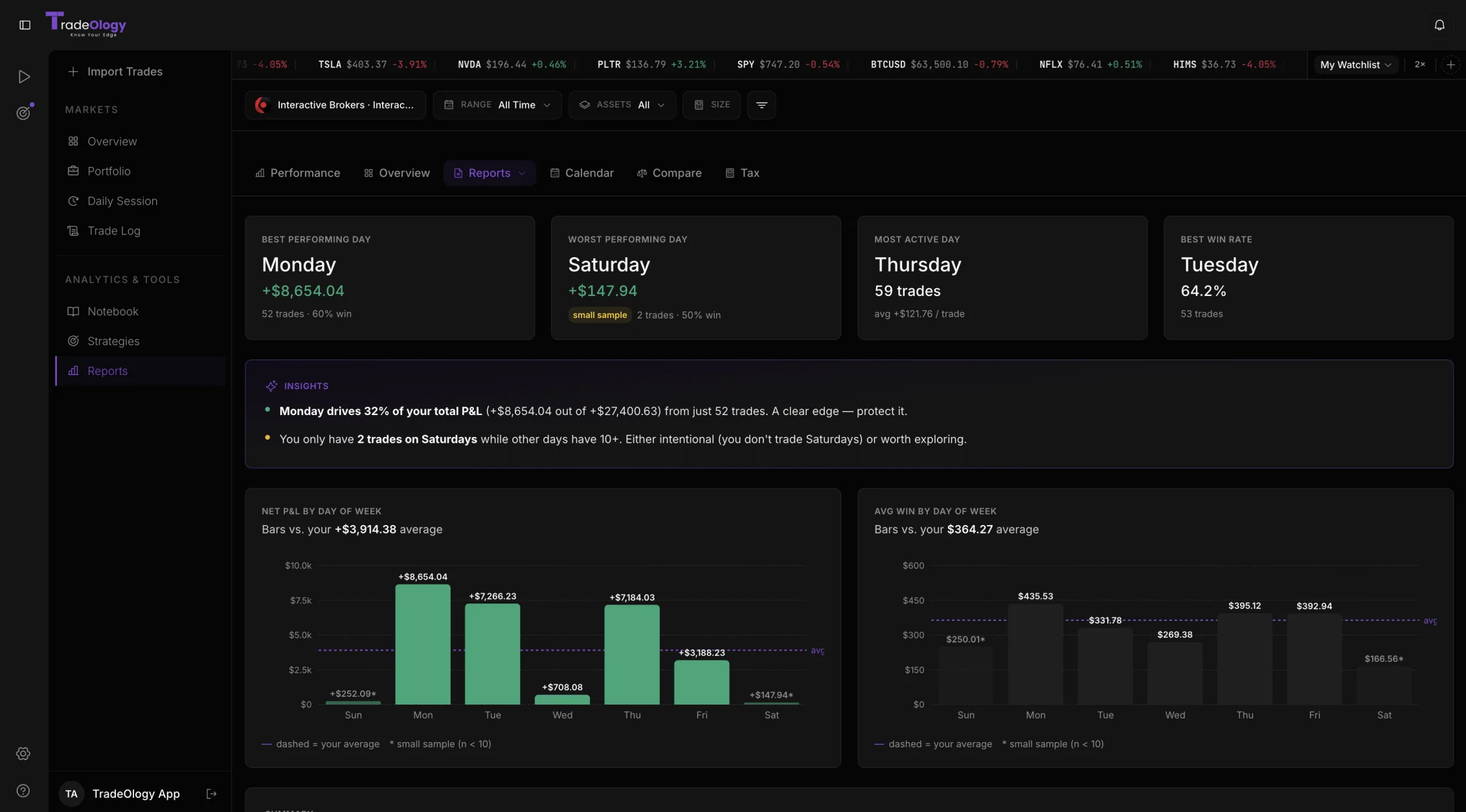
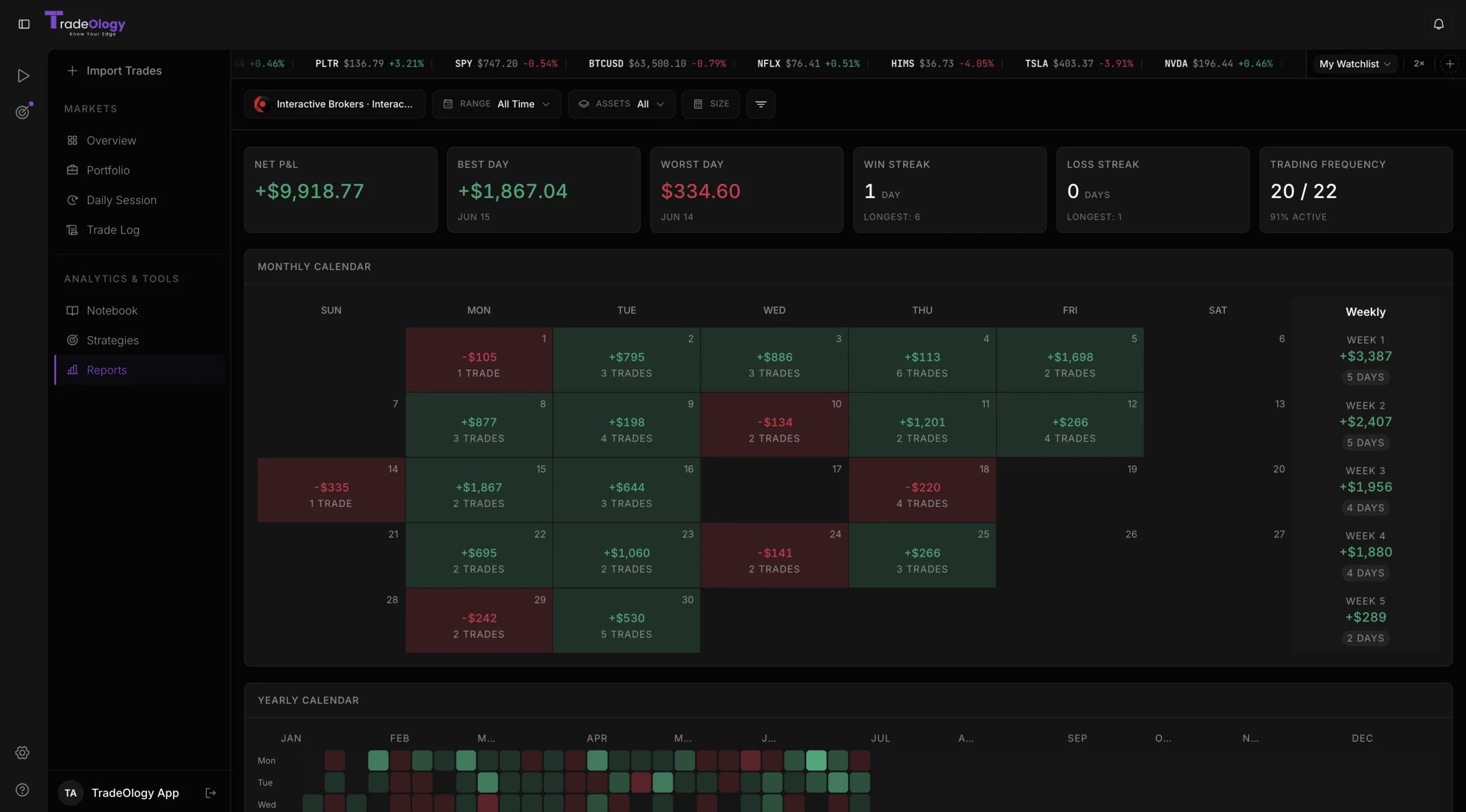
Your whole edge, in one place.
Journaled for you.
Connect once and every trade flows in on its own - then you add the context that makes you better.
- Auto-sync 25+ brokers
- Stocks, options, futures & crypto
- Notes, screenshots & tags
- Star-rate every trade
- No spreadsheets, ever


Get sharper between every trade.
Replay your sessions, practice risk-free, and learn the craft - a full toolkit built into TradeOlogy.

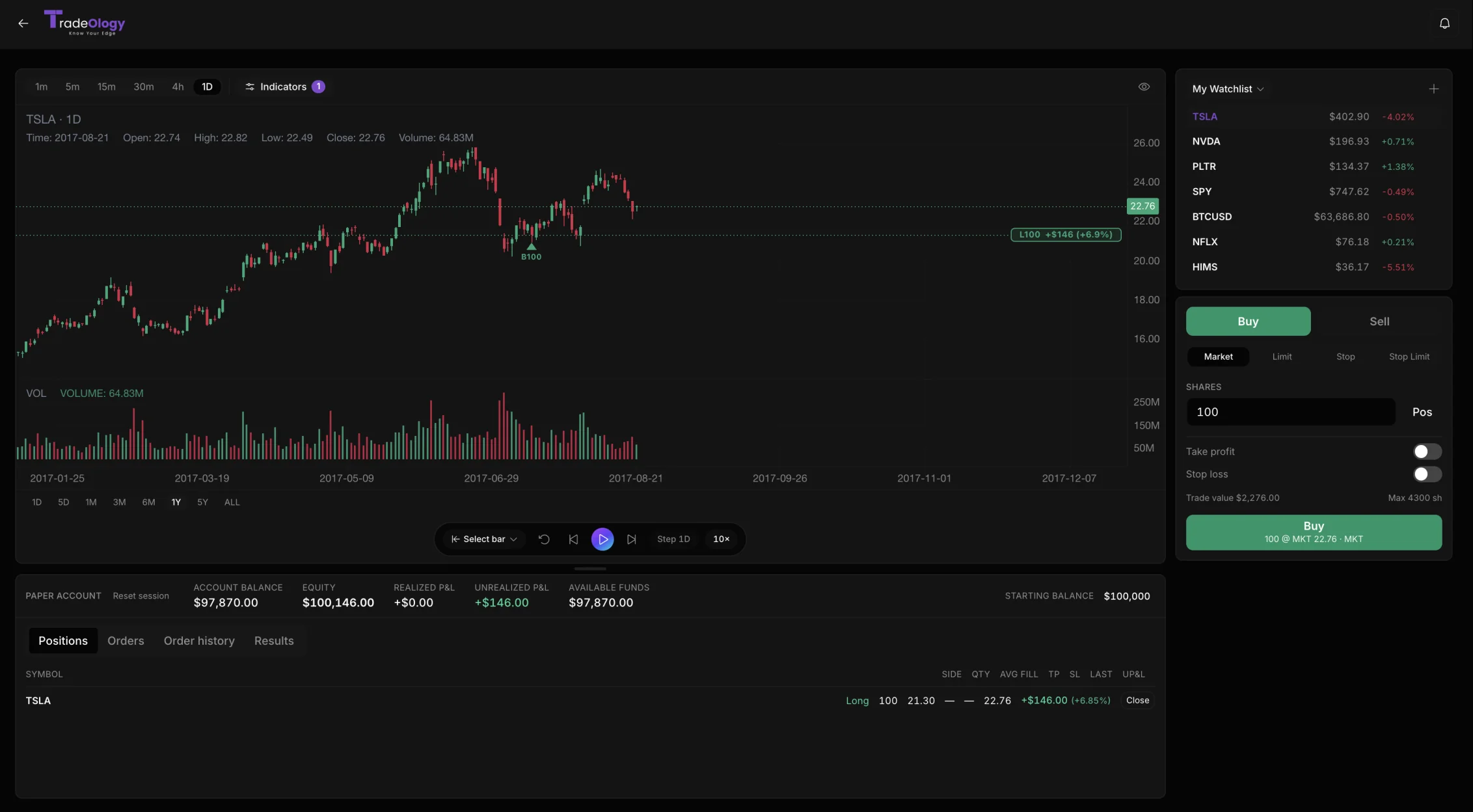
Replay any trade, bar by bar
Step back through your entries and exits on the real chart - exactly where you got in early or fought the trend.
Explore Trade Replay
Practice with zero risk
Test setups and build real discipline on live market data with virtual capital - before a single real dollar is on the line.
Explore the Simulator
Learn the craft, free
Structured lessons on risk, psychology, and strategy - from first principles to refining your edge.
Browse the Academy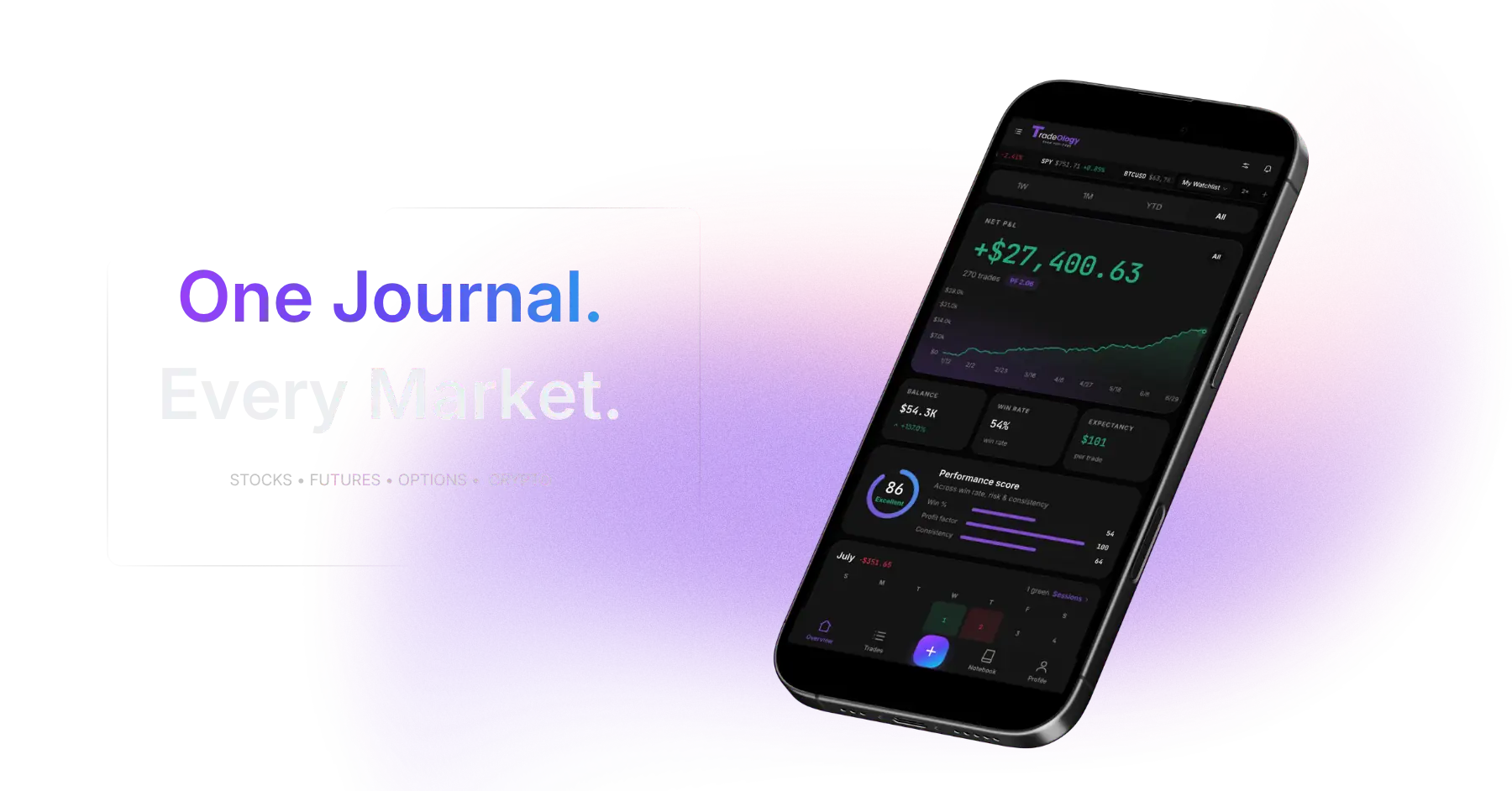
Real traders. Real results.
Built for day, swing, and options traders.
Switched from Tradezella last month. Same broker sync, same metrics - cleaner UI at half the monthly cost. Wish I'd moved sooner.
Marcus T.
Chicago, IL · Robinhood
The calendar view is the killer feature for me. I could finally see I was lighting money on fire every Tuesday morning. Stopped trading that window - best decision I made all quarter.
Shai G.
Austin, TX · Webull
I've tried Tradervue, Edgewonk, and two Notion templates. This is the first one I actually keep open all day. The Schwab sync just works and the tag-based analytics tell me exactly which setups have edge.
David K.
New York, NY · Schwab
Switched from Tradezella last month. Same broker sync, same metrics - cleaner UI at half the monthly cost. Wish I'd moved sooner.
Marcus T.
Chicago, IL · Robinhood
The calendar view is the killer feature for me. I could finally see I was lighting money on fire every Tuesday morning. Stopped trading that window - best decision I made all quarter.
Shai G.
Austin, TX · Webull
I've tried Tradervue, Edgewonk, and two Notion templates. This is the first one I actually keep open all day. The Schwab sync just works and the tag-based analytics tell me exactly which setups have edge.
David K.
New York, NY · Schwab
The risk report flagged my drawdown before it got ugly. That alone paid for the whole year.
Adam M.
Reno, NV · Fidelity
I rebuilt my dashboard around the metrics I care about. Took 30 seconds and it's all live.
Victoria P.
Los Angeles, CA · tastytrade
The performance score is brutally honest. I watched it climb from 48 to 71 once I cut my revenge trades.
Alex R.
Miami, FL · Coinbase
The risk report flagged my drawdown before it got ugly. That alone paid for the whole year.
Adam M.
Reno, NV · Fidelity
I rebuilt my dashboard around the metrics I care about. Took 30 seconds and it's all live.
Victoria P.
Los Angeles, CA · tastytrade
The performance score is brutally honest. I watched it climb from 48 to 71 once I cut my revenge trades.
Alex R.
Miami, FL · Coinbase
Switched from a spreadsheet. The reports do in one click what used to eat my whole Sunday.
Chris B.
Boston, MA · IBKR
Profit factor and expectancy on one screen - I stopped guessing whether I was actually profitable.
Mark L.
Los Angeles, CA · Public
Switched from a spreadsheet. The reports do in one click what used to eat my whole Sunday.
Chris B.
Boston, MA · IBKR
Profit factor and expectancy on one screen - I stopped guessing whether I was actually profitable.
Mark L.
Los Angeles, CA · Public
Questions? Answered.
Everything about your trade journal.
Absolutely. TradeOlogy uses read-only API connections through SnapTrade, a bank-level secure aggregation service. We can never execute trades, withdraw funds, or access your login credentials. Your brokerage data is encrypted in transit and at rest using industry-standard AES-256 encryption.
TradeOlogy has a free plan you can use forever - manual trade entry, CSV import, 1 account, and interactive charts on every trade. Pro plans start at $15/month with automated brokerage sync, full reports, and institutional-grade metrics, and every Pro plan comes with a 7-day free trial. Cancel anytime - no annual lock-in.
TradeOlogy supports 25+ major brokerages worldwide including Interactive Brokers, Robinhood, Webull, Charles Schwab, Fidelity, E*TRADE, TradeStation, Tastytrade, Alpaca, Binance, Coinbase, and many more. We're constantly adding new integrations based on user requests.
Once you connect your brokerage account, TradeOlogy automatically imports your complete trade history and continues syncing new trades in real-time. Every buy, sell, dividend, and transaction is captured without any manual entry. The initial sync typically takes just a few minutes.
Yes, you can export your complete trading history and analytics reports at any time. We support CSV and PDF exports for your trades, performance metrics, and custom reports. Your data always belongs to you.
Yes, TradeOlogy is fully responsive and works on all devices including smartphones and tablets. You can check your performance metrics, review trades, and access your journal from anywhere.
Yes. You can switch between monthly and yearly billing at any time from your account settings. When you switch, Stripe automatically prorates the difference - so you only pay for what you haven't used. Yearly plans save you 20% compared to paying monthly.
Absolutely. TradeOlogy allows you to connect up to 5 brokerage accounts in one unified dashboard on the Pro Advanced plan. You can view combined analytics or filter by individual accounts to analyse specific strategies.
TradeOlogy turns raw trade data into actionable insights. By automatically tracking metrics like win rate, profit factor, expectancy, and drawdowns, it reveals patterns you'd never spot manually - such as which setups consistently lose money, what time of day you trade best, and how your position sizing affects returns. The trading journal ties emotions and notes to real executions so you can identify psychological pitfalls. Over time, this feedback loop helps you double down on what works, cut what doesn't, and build lasting discipline.